Why AI Doesn’t Always Make You Faster (and What Every Developer Should Know)
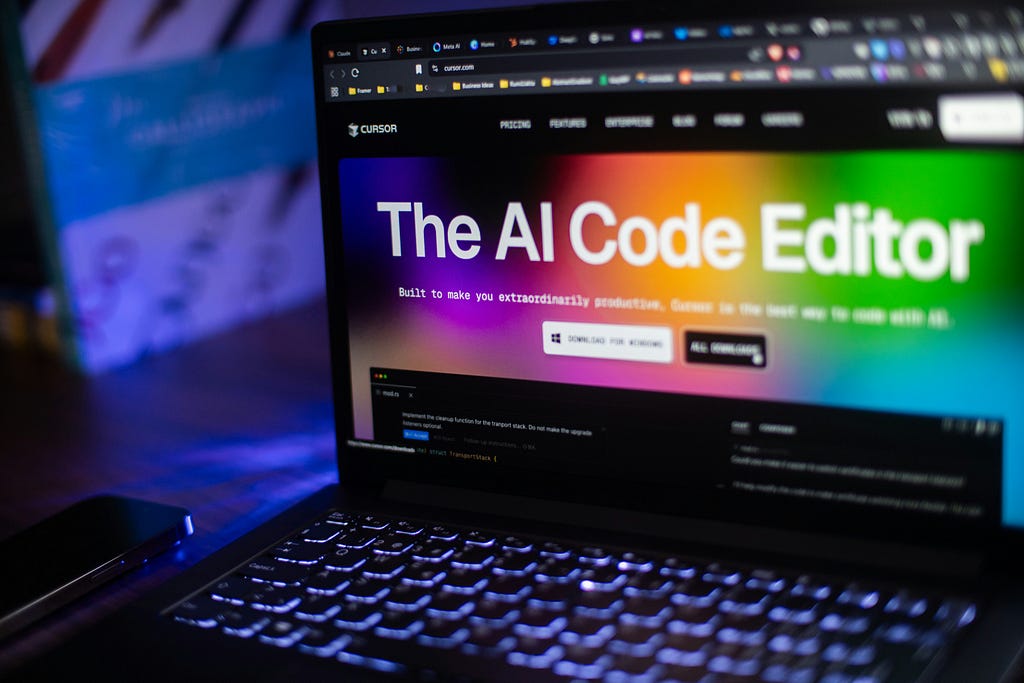
When I first started using AI coding assistants in my day‑to‑day work ( tools like GitHub Copilot, Cursor and Claude Sonnet), it felt like the next big productivity win. “Let the machine write the boilerplate, we’ll do the creative work” seemed like a reasonable promise. But over the past few months working in backend systems (Node.js, NestJS, type‑safe services, DevOps integrations), I’ve landed in a curious place: yes, AI can speed things up — but the gains are uneven, and sometimes the tool ends up costing more time than it saves. That, in a nutshell, is the productivity paradox of AI in software development.
The Promise of AI Productivity
AI‑driven coding assistants are sold on a very attractive deal for individual developers: less time writing repetitive code, fewer low‑value tasks (tests, stubs, documentation), and more brain‑time for design, architecture, innovation. Early research supports this, at least in part. For example, GitHub’s own study found that Copilot “supports faster completion times, conserves developers’ mental energy, helps them focus on more satisfying work.” (github.blog) Another independent report observed a 10.6 % increase in pull requests and a 3.5‑hour reduction in cycle time when Copilot was introduced in one engineering team. (harness.io)
In my workflow, I saw exactly this in a few cases:
- When I needed to whip up a quick Node.js script (download an application from a server, build and publish node modules, deploy to a target server) the AI would suggest 80 % of the boilerplate and I’d finish 30‑40 % faster.
- For code review tasks, it produced a decent first draft of review feedback, which I then polished. That felt like a serious win.
Where the Paradox Appears
But it wasn’t all smooth sailing. I found the productivity lift tends to fade — and in some contexts, things tilt the other way. Here are the issues I ran into:
- Framework familiarity matters: When I work with mainstream stacks (React, Vue, NextJS, NestJS, TypeScript patterns) the assistant performs well. The public corpus is large, context is familiar. But once I dive into proprietary backend code, custom micro‑services with little public analogues, the suggestions drop in relevance. I get hallucinations, autocomplete that makes no sense, or code that compiles but doesn’t align with our architecture.
- Context loss and review overhead: The assistant may spit out code fast, but I still find I spend extra time reviewing it to check logic, security, alignment with our domain. In some cases, it suggests methods that don’t even exist in my code base or incorrect types that one may miss if they are not paying attention.
- Experienced devs can get slower: The research backs this surprising twist. A randomized trial found that experienced open source developers using AI tools in their own repos actually took ~19 % longer. (metr.org) And a recent LeadDev survey found only 6 % of engineering leaders reported a major productivity boost from AI‑coding assistants. (leaddev.com) Put differently: the tool doesn’t always make the superstar dev faster; sometimes it disrupts their workflow.
The Wider Lens: What the Data Really Shows
Let’s zoom out from anecdotes and dig into what empirical studies tell us:
- One large study found that Copilot users completed 12.9‑21.8 % more pull requests per week at one company, and 7.5‑8.7 % more at another. (mit-genai.pubpub.org)
- Another found that while individual output might improve by 20‑40 %, delivery gains at the team or org level were far less unless the process around the code (reviews, CI/CD, QA) was also optimized. (index.dev)
- Meanwhile, the 2025 Stack Overflow survey reported that while 85 % of developers use AI tools for coding or development, only 16.3 % said that those tools made them much more productive; around 41.4 % said “little to no effect.” (cerbos.dev)
So the pattern is clear: there are real productivity wins, but they’re highly dependent on context. They’re not an automatic “double your output” switch. Especially for individual developers working across varied codebases, the friction can creep in easily.
Conclusion: A Hopeful Realist’s Take
So where does that leave me (and maybe you) as an individual developer? I’ll be frank: I’m still using AI assistants, because when they hit — when the codebase is well‑structured, tasks are clear, framework familiarity is high — I genuinely get faster and feel better about my code. But I’ve also learned some humility:
- I don’t blindly trust the suggestions. I still review thoroughly.
- I protect the “thinking” tasks (architecture, design, mentoring) and let the assistant handle the grunt.
- I view the assistant as a tool not a replacement.
- I temper my expectations: yes, good productivity gains, but also new overheads.
Here’s something to leave you with:
How will you balance trust in AI‑assisted workflows with the caution required to maintain code quality and context awareness in your own stack?
I’d love to hear your take — where has AI been a win, and where has it fallen short in your workflow?
If you made it this far, thank you for reading this article. If you would like me to cover a specific topic, or do deep-dives, feel free to drop a comment.
If you liked the article, show your support with a clap 👏, comment and follow me!
The Productivity Paradox of AI Coding Assistants was originally published in Beyond the Brackets on Medium, where people are continuing the conversation by highlighting and responding to this story.
Leave a Reply